What is the best standing desk?
A comprehensive comparison of the top standing desks for home offices and professional workspaces. We evaluated build quality, motor performance, height range, stability, and overall value to help you find the perfect desk for healthy and productive work.
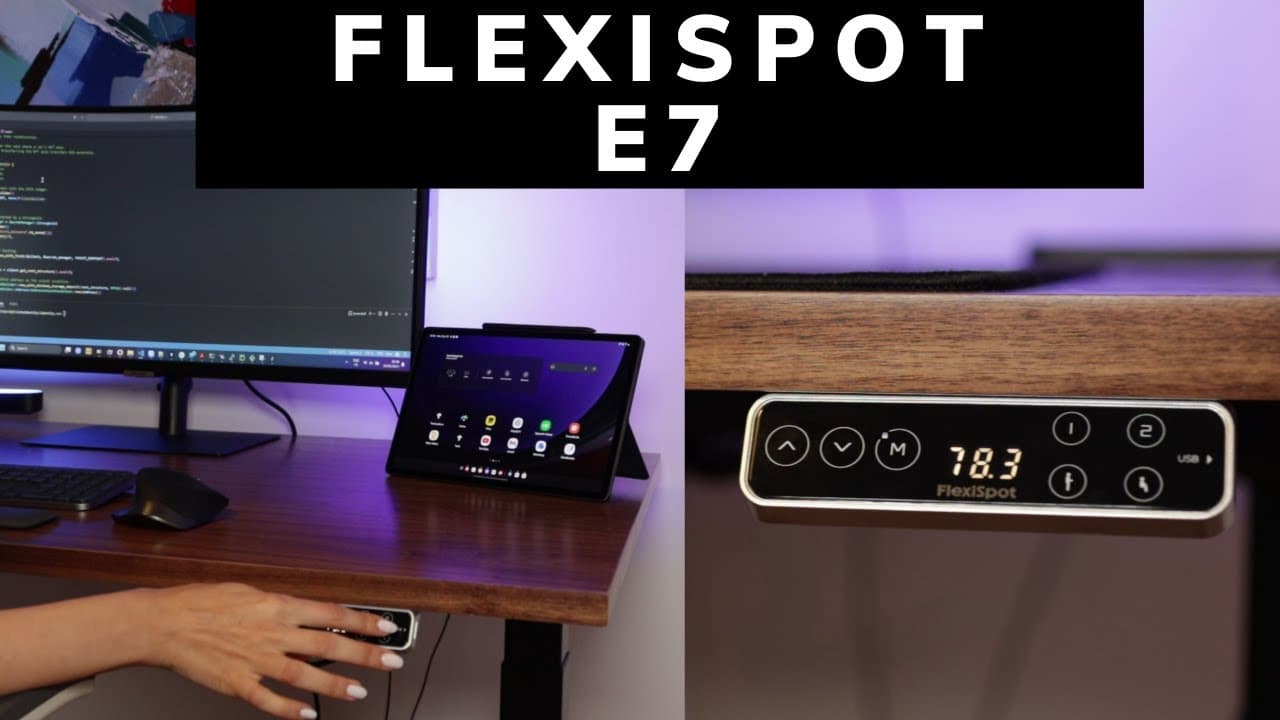
The Uplift V2 earns our top recommendation with its exceptional build quality, wide height range, and excellent stability. For gamers seeking an integrated cable management solution, the Secretlab Magnus Pro is worth the premium. Budget-conscious buyers will find the Flexispot E7 offers outstanding value without sacrificing key features.


Pros
- CPRO
Zero wobble at standing height.
Even with the heavy monitor setup, this desk does not wobble at all. Very impressed.
- LPRO
Best warranty in the business.
The warranty gives users peace of mind. Uplift clearly stands behind their product.
- NPRO
Extensive customization options.
Extensive customization options include multiple desktop sizes, color choices, and accessory configurations to match various workspace requirements.
Cons
- PCON
Premium price point.
Definitely an investment. But users get what users pay for in terms of quality.
Pros
- CPRO
Cables completely hidden.
The magnetic cable covers and built-in cable tray make for the cleanest desk setup ever.
- LPRO
Metal everywhere.
This thing is built highly durable. The full metal construction feels incredibly premium.
Cons
- NCON
Costs as much as a budget PC.
The price is hard to justify unless aesthetics are the top priority.
- PCON
Only one size option.
Wish there were more size options. The XL is great but might be too big for some rooms.
Pros
- CPRO
Best bang for buck.
Same features as desks twice the price. Cannot believe how good this is for the money.
- LPRO
Barely hear the motor.
The dual motors are very quiet. Can adjust height during calls without anyone noticing.
Cons
- NCON
Assembly was confusing.
Took longer than expected to assemble. The manual could be better written.
- PCON
Need to buy cable tray separately.
Wish cable management was included. Had to buy a tray separately.
Frequently Asked Questions
Research suggests alternating every 30-60 minutes. Start with short standing intervals (15-20 minutes) and gradually increase. The key is movement and position changes rather than standing all day, which can also cause fatigue and discomfort.
Dual motor desks are generally faster, quieter, and handle heavier loads more evenly. Single motor desks are more affordable but may struggle with very heavy setups and can be slower. For most home office users with standard monitor setups, either works fine.
For sitting, most people need 25-30 inches. For standing, 38-48 inches covers most heights. If you are very tall (over 6 feet 2 inches) or short (under 5 feet 4 inches), pay extra attention to the height range specifications.
Quality standing desks typically support 200-350+ lbs. Consider your monitor(s), computer, keyboard, and any other equipment. A dual monitor arm setup might weigh 30-50 lbs alone. Add a buffer of 20-30% to your estimated load for safety.
For people who work from home or spend long hours at a desk, yes. Studies show benefits include reduced back pain, improved energy, and better focus. The investment pays off in health benefits and productivity. Budget options start around $300, while premium desks range from $600-1500+.