What is the best ergonomic office chair?
A comprehensive comparison of the top ergonomic office chairs for home and office use. We evaluate comfort, adjustability, build quality, and value to help you find the perfect chair for extended work sessions.
After extensive evaluation, the Herman Miller Aeron stands out as the top choice for its exceptional build quality, innovative mesh design, and unparalleled long-term comfort. The Steelcase Leap offers a compelling alternative with its LiveBack technology, while the Secretlab Titan Evo provides excellent value for those seeking gaming-office crossover functionality.
Pros
- SPRO
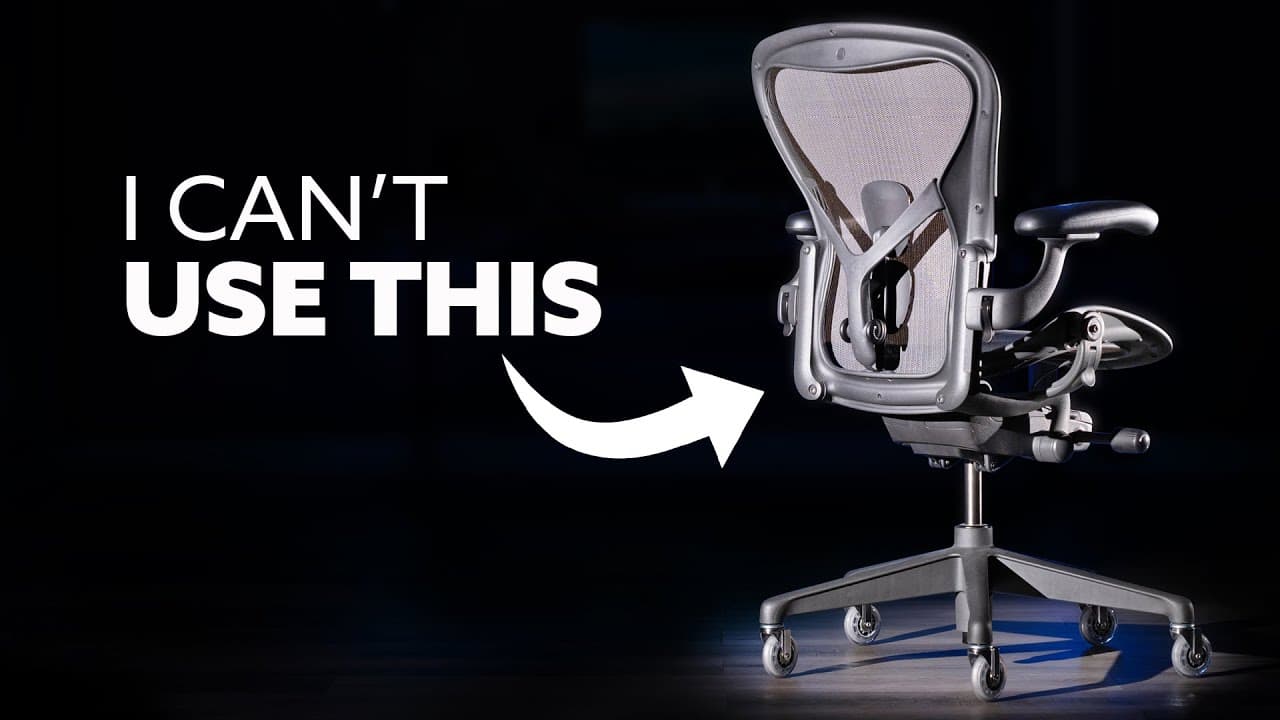
Breathable mesh design.
The Pellicle mesh material promotes airflow and prevents heat buildup during extended sitting sessions, maintaining comfortable temperatures even in warm environments.
- MPRO
Exceptional 8+ year durability.
Built to maintain performance over many years of daily use, backed by a 12-year warranty that reflects manufacturer confidence in long-term durability.
- EPRO
PostureFit SL saves the back.
As someone who had chronic back pain from sitting, the PostureFit SL lumbar support changed the life. It adjusts perfectly to the spine and Users can work 10+ hours without any discomfort.
Cons
- DCON
Significant upfront investment.
At $1,500+, the chair represents a substantial purchase requiring careful budget consideration. The long-term value and quality may justify the cost, though it remains a significant investment.
- SCON
Initial adjustment period required.
The numerous adjustment options may require approximately 2 weeks to find optimal settings. Once properly configured, the chair delivers excellent support, but expect some trial and error during setup.
Pros
- MPRO
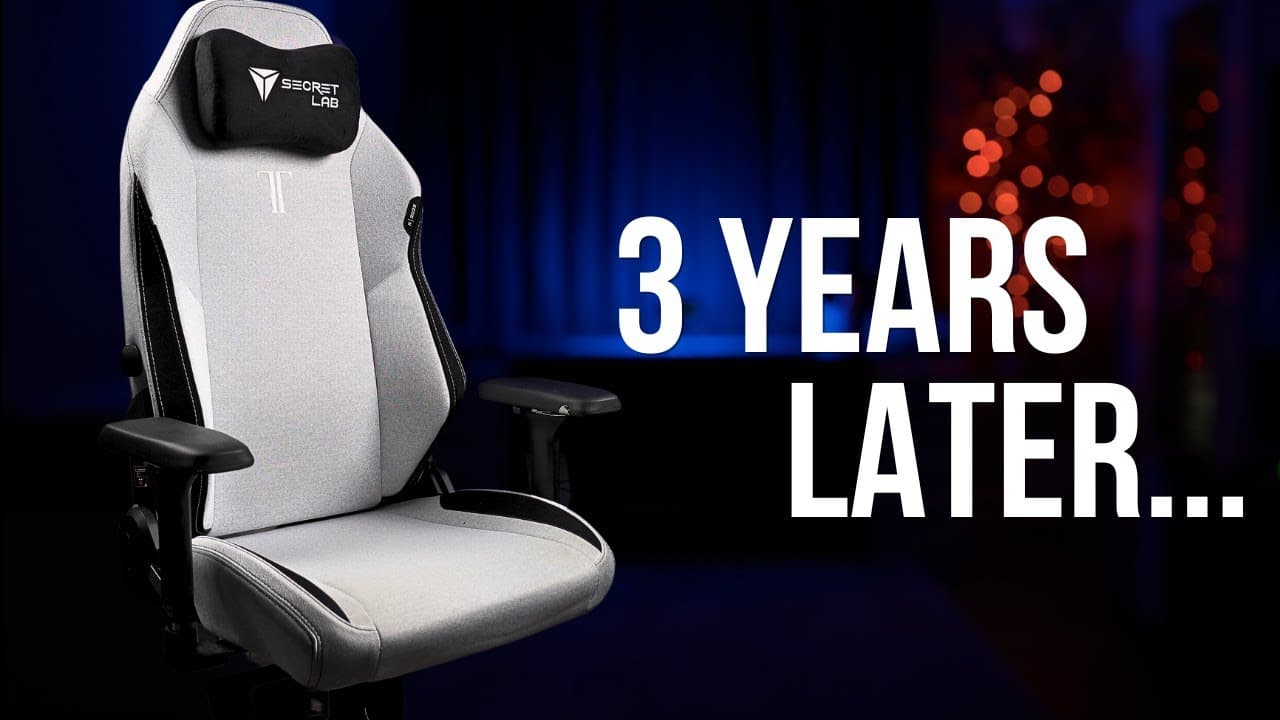
Dual-purpose office and gaming chair.
Bridges the gap between gaming and office use effectively, providing 8-hour workday comfort while accommodating gaming sessions. The magnetic accessory system adds modular functionality.
- EPRO
Highly adjustable armrests.
The armrests move in every direction users could want. Users can position them perfectly whether typing, gaming, or relaxing. Very much better than basic fixed armrests.
- DPRO
Durable cold-cure foam cushioning.
The cold-cure foam construction maintains its shape and support characteristics over extended use, resisting the compression and flattening that affects lower-quality gaming chairs.
Cons
- SCON
Leatherette traps heat.
The leatherette material can get a bit sticky and warm after several hours. Would benefit from they offered a mesh option. Not a dealbreaker, but something to consider if users run hot.
Pros
- EPRO
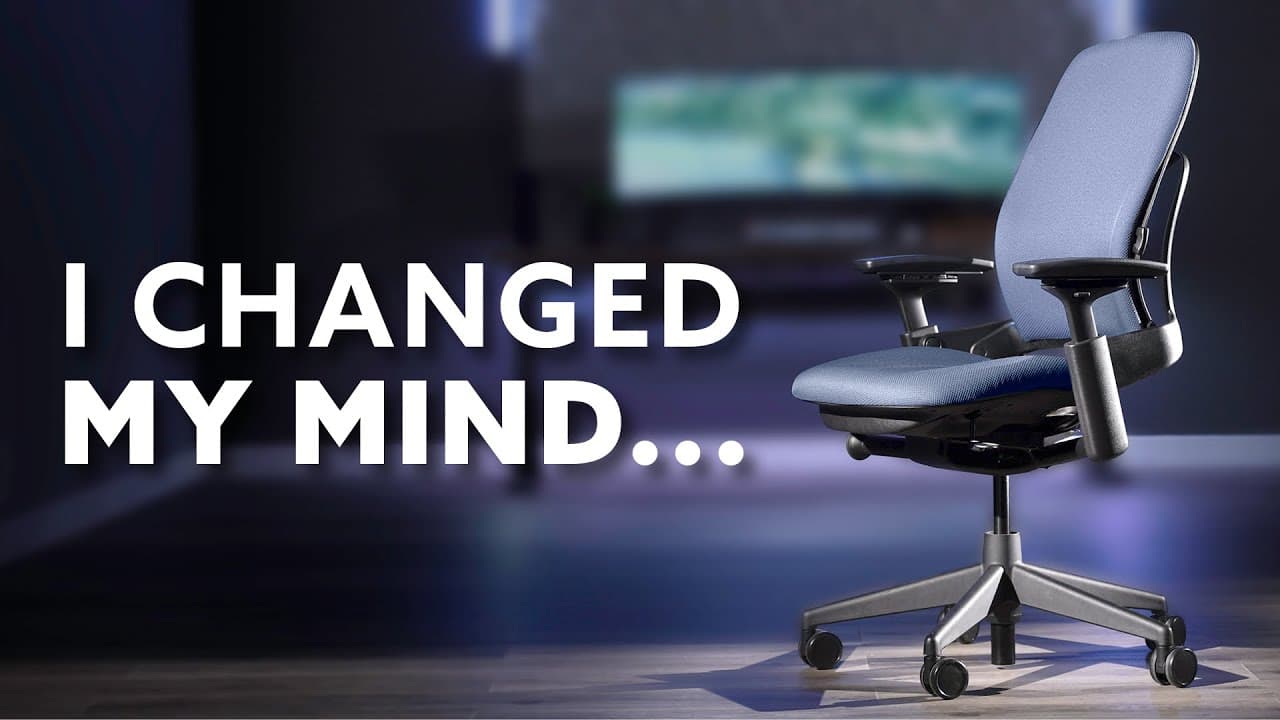
Adaptive LiveBack technology.
LiveBack technology enables the backrest to dynamically adjust to body movements, providing continuous support whether leaning forward to focus or reclining to rest.
- DPRO
Premium build quality.
Steelcase engineering delivers solid, squeak-free construction with no wobbles. The 12-year warranty reflects confidence in the chair long-term reliability.
- SPRO
Encourages proper sitting.
The ergonomic design naturally guides the body into proper posture without conscious effort, providing passive correction that reduces strain on the spine.
Cons
- MCON
Very expensive.
The $1,000+ price point represents a significant investment comparable to the Herman Miller Aeron. While quality justifies the cost, it exceeds many budgets.
Frequently Asked Questions
Budget ergonomic chairs start around $200-400 (like the HON Ignition 2.0 or Branch Ergonomic Chair), mid-range options run $400-800 (Autonomous ErgoChair Pro), and premium chairs like the Herman Miller Aeron or Steelcase Leap cost $1,000-1,800. If you work from home full-time or spend 8+ hours daily at a desk, investing in a quality chair pays off in comfort and health benefits.
Mesh chairs (like the Herman Miller Aeron) offer better breathability and are ideal for warmer climates or people who tend to sweat. Foam chairs (like the Steelcase Leap or Secretlab Titan Evo) provide more cushioning and a softer feel. Many mid-range chairs combine mesh backs with foam seats to get the best of both worlds. Personal preference and your work environment should guide your choice.
Adjustable lumbar support is arguably the most critical feature, as proper lower back support prevents pain and maintains healthy posture during long sitting sessions. Look for chairs with adjustable lumbar height and depth. After lumbar support, seat height adjustment and armrest adjustability are the next most important features for creating an ergonomic workspace.
Premium ergonomic chairs from brands like Herman Miller and Steelcase often come with 12-year warranties and can last 15-20 years with proper care. Mid-range chairs typically last 5-10 years, while budget options may need replacement after 3-5 years. The longevity makes premium chairs a better long-term investment despite higher upfront costs - a $1,500 chair lasting 15 years costs about $100 per year.
Some gaming chairs, like the Secretlab Titan Evo, are designed with genuine ergonomic features and work well for office use. However, many budget gaming chairs prioritize aesthetics over ergonomics. Look for gaming chairs with adjustable lumbar support, quality materials, and proper weight distribution. The Secretlab Titan Evo is one of the few gaming chairs that can match traditional office chairs in ergonomic quality.