What is the best mechanical keyboard?
A comprehensive comparison of the top mechanical keyboards for gaming, typing, and productivity. We evaluated build quality, switch options, customization features, software support, and overall typing experience to help you find the perfect keyboard for your needs.
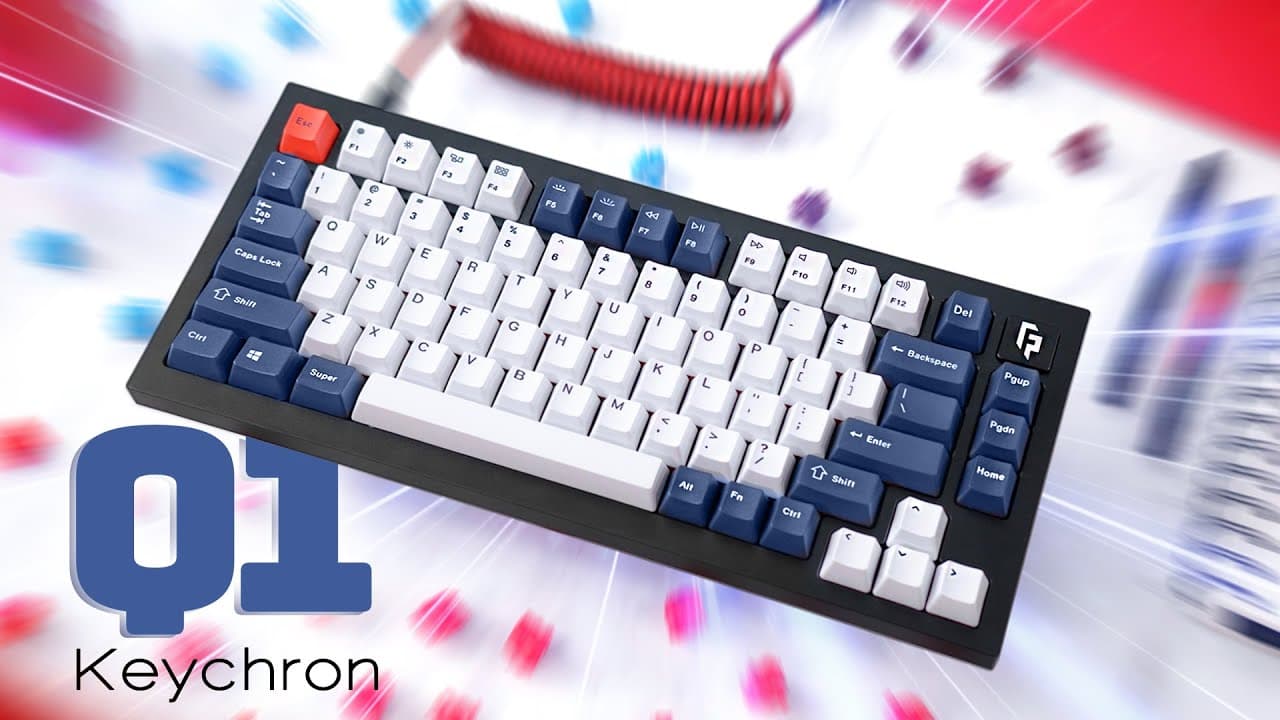
The Keychron Q1 stands out as the best overall mechanical keyboard, offering exceptional build quality and customization at a reasonable price. For gamers, the SteelSeries Apex Pro with its adjustable actuation switches provides a competitive edge. Budget-conscious buyers should consider the Ducky One 3, which offers great value without compromising on quality.
Pros
- CPRO
Highly durable construction.
The all-aluminum case feels incredibly reliable. This thing could survive being dropped off a desk.
- LPRO
Hot-swap switches and VIA support.
Hot-swappable switch sockets allow for easy switch changes without soldering. VIA software provides complete key remapping capabilities for full customization.
- NPRO
Excellent stock keyboard acoustics.
The gasket mount design and included foam dampening produce an exceptionally satisfying acoustic profile, delivering premium typing sound without modifications.
Cons
- PCON
Wired only.
Lacks wireless connectivity options, requiring wired connection only. A Bluetooth version would provide a cleaner desk setup.
Pros
- CPRO
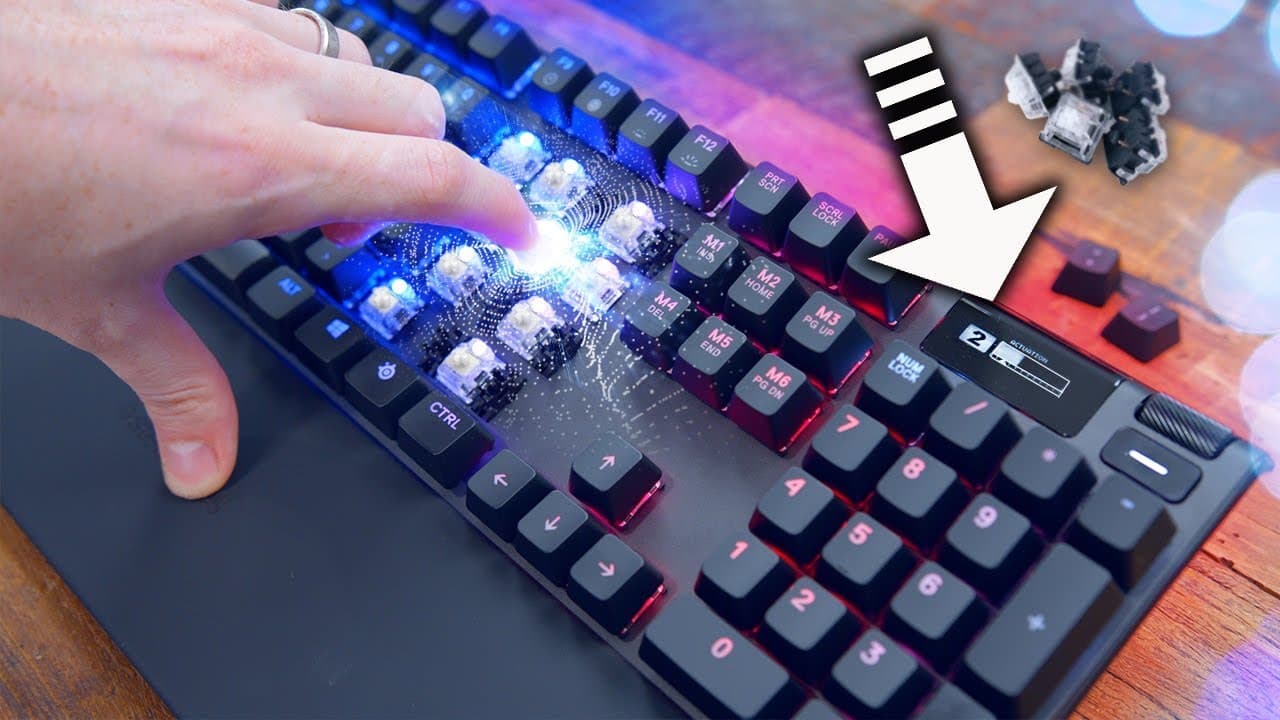
Game-changing for competitive gaming.
Being able to set the actuation point to 0.2mm gives users such a speed advantage in FPS games.
- NPRO
SteelSeries Engine is reliable.
The software works well. Easy to customize everything and create game profiles.
- LPRO
Handy little display.
The OLED display provides practical functionality by showing current settings at a glance and supporting custom GIFs for personalization.
Cons
- PCON
Premium price tag.
The price rivals budget gaming PCs, making it difficult to justify for casual gamers. Best suited for serious gaming enthusiasts.
Pros
- CPRO
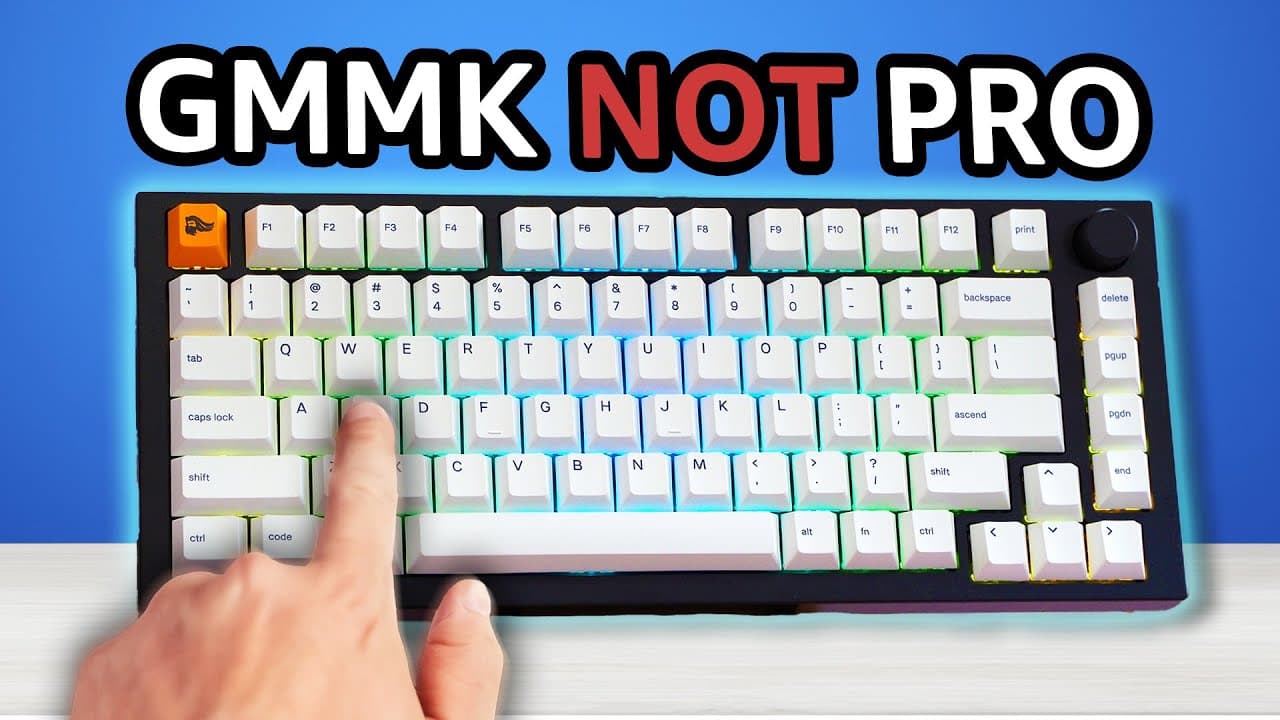
Perfect starter enthusiast board.
This was the first real custom keyboard. The rotary encoder and build quality are great for the price.
- LPRO
Premium feel at mid-range price.
The aluminum construction makes this feel way more expensive than it is.
Cons
- NCON
Glorious Core is buggy.
The companion software experiences occasional crashes and features a confusing interface that could benefit from improved usability.
- PCON
Stock stabs need modding.
The stabilizers produce rattling noise out of the box and require lubing and tuning for optimal performance and sound.
Frequently Asked Questions
The three main types are Linear (smooth keystroke, no bump), Tactile (noticeable bump without click sound), and Clicky (bump with audible click). Popular options include Cherry MX Red (linear), Cherry MX Brown (tactile), and Cherry MX Blue (clicky). Each type suits different preferences and use cases.
Hot-swappable keyboards allow you to change switches without soldering. You simply pull out the old switch and push in a new one. This is great for testing different switch types or replacing worn switches. Most enthusiast keyboards now offer this feature.
Full-size (100%) includes a number pad, TKL (80%) removes the numpad for more mouse space, 75% is compact with function row, 65% removes function row, and 60% is minimal. Gamers often prefer smaller sizes for more mouse room, while number-heavy work benefits from full-size.
For frequent typists or gamers, yes. Mechanical keyboards offer better durability (50+ million keystrokes), customization options, and a more satisfying typing experience. They typically last 5-10 years, making the higher upfront cost worthwhile over time.
Budget options ($50-80) offer basic mechanical switches and build quality. Mid-range ($100-150) provides better build quality and features like hot-swap. Premium boards ($150-300+) offer aluminum cases, gasket mounting, and premium switches. Your budget should match your usage intensity.