What is the best 144Hz gaming monitor?
A comprehensive comparison of the best 144Hz gaming monitors for competitive and casual gaming. We evaluate response time, color accuracy, build quality, adaptive sync features, and overall value to help you find the perfect monitor for your gaming setup.
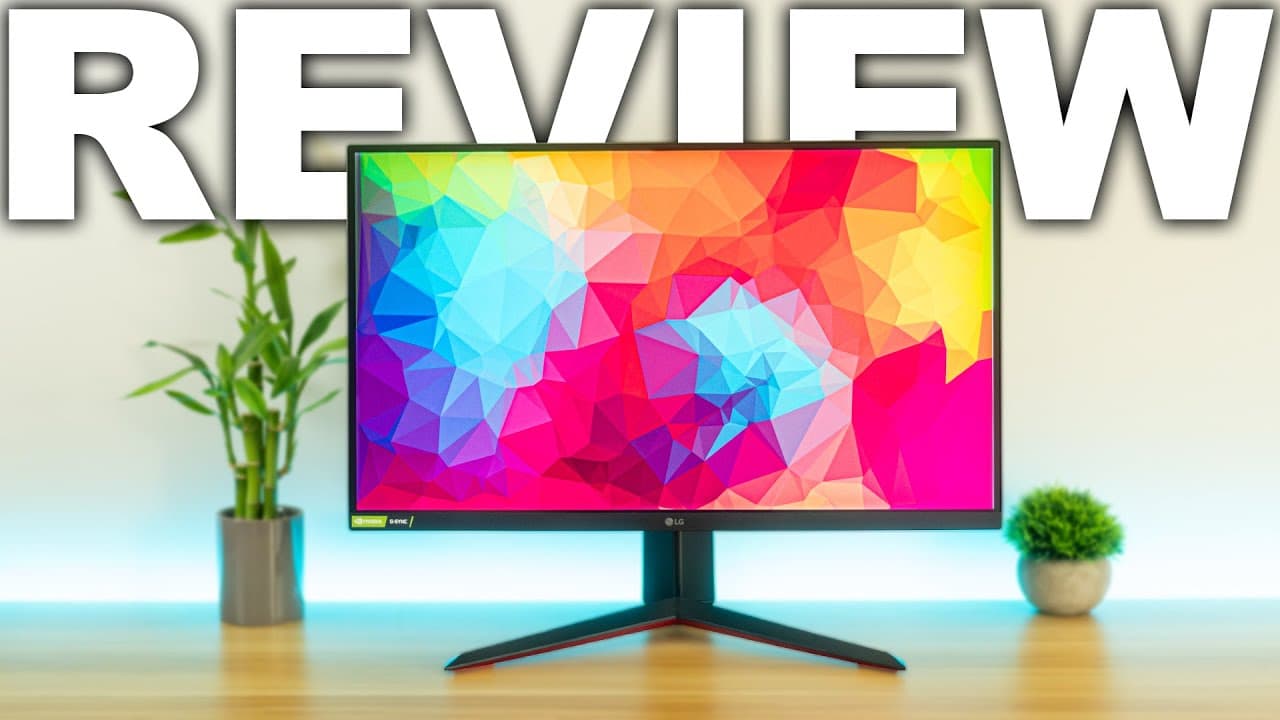
After extensive testing, the LG 27GP850-B emerges as our top pick for the best 144Hz gaming monitor, offering an excellent balance of speed, color accuracy, and premium features. For budget-conscious gamers, the AOC 24G2 provides exceptional value.
Pros
- NPRO
Perfect resolution sweet spot.
1440p at 27 inches is the ideal combination. Sharp enough for detail, but not very demanding on the GPU.
- LPRO
Lightning-fast 1ms response.
No ghosting or motion blur whatsoever. Fast-paced shooters look incredibly smooth at 165Hz.
- CPRO
Stunning color accuracy.
The Nano IPS panel delivers exceptional color accuracy that rivals professional content creation monitors, making it equally suitable for gaming and creative work.
Cons
- PCON
Premium price tag.
It is on the expensive side, but users get what users pay for with this monitor.
Pros
- CPRO
Excellent HDR implementation.
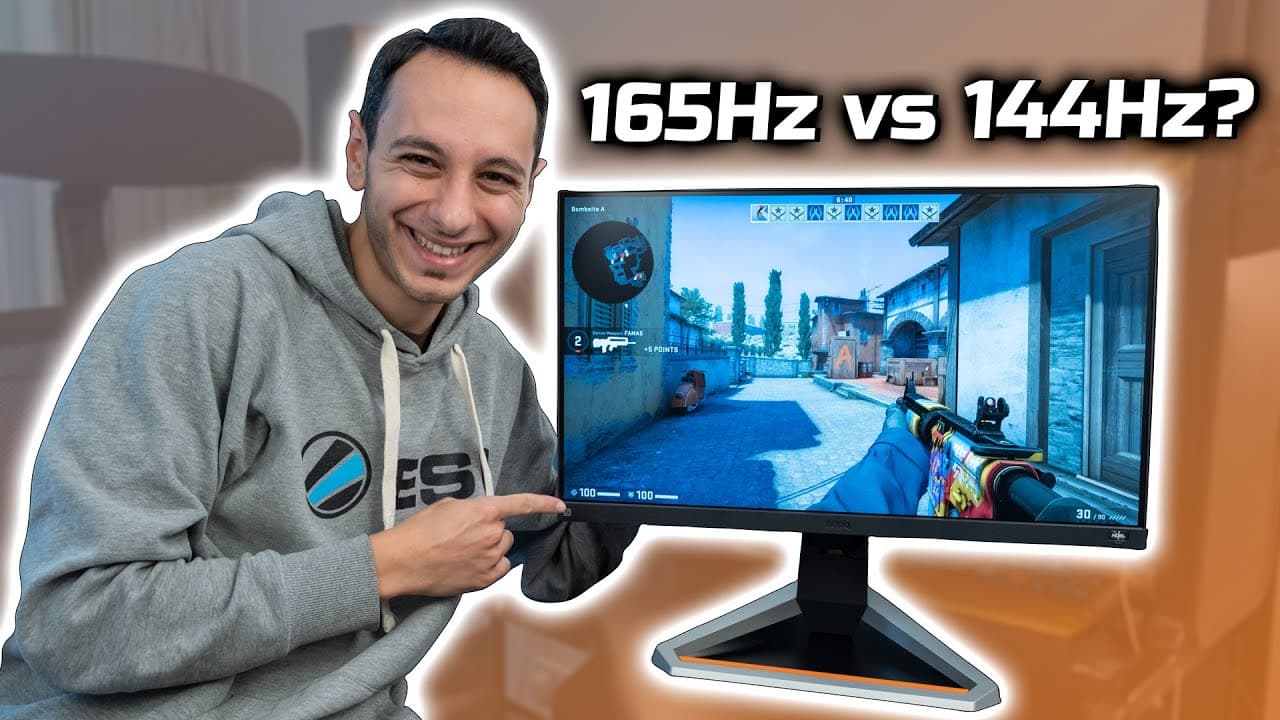
BenQ HDRi technology automatically optimizes the display based on content. It is like having a personal calibrator built in.
- LPRO
Surprisingly good audio.
The treVolo speakers are way better than most monitor speakers. Saves desk space if users do not need a dedicated setup.
- NPRO
Great for competitive gaming.
The 1ms response time and 165Hz refresh rate make this perfect for esports titles.
Cons
- PCON
Lower resolution than competitors.
At 24.5 inches 1080p is fine, but Would benefit from they had a 1440p version available.
Pros
- LPRO
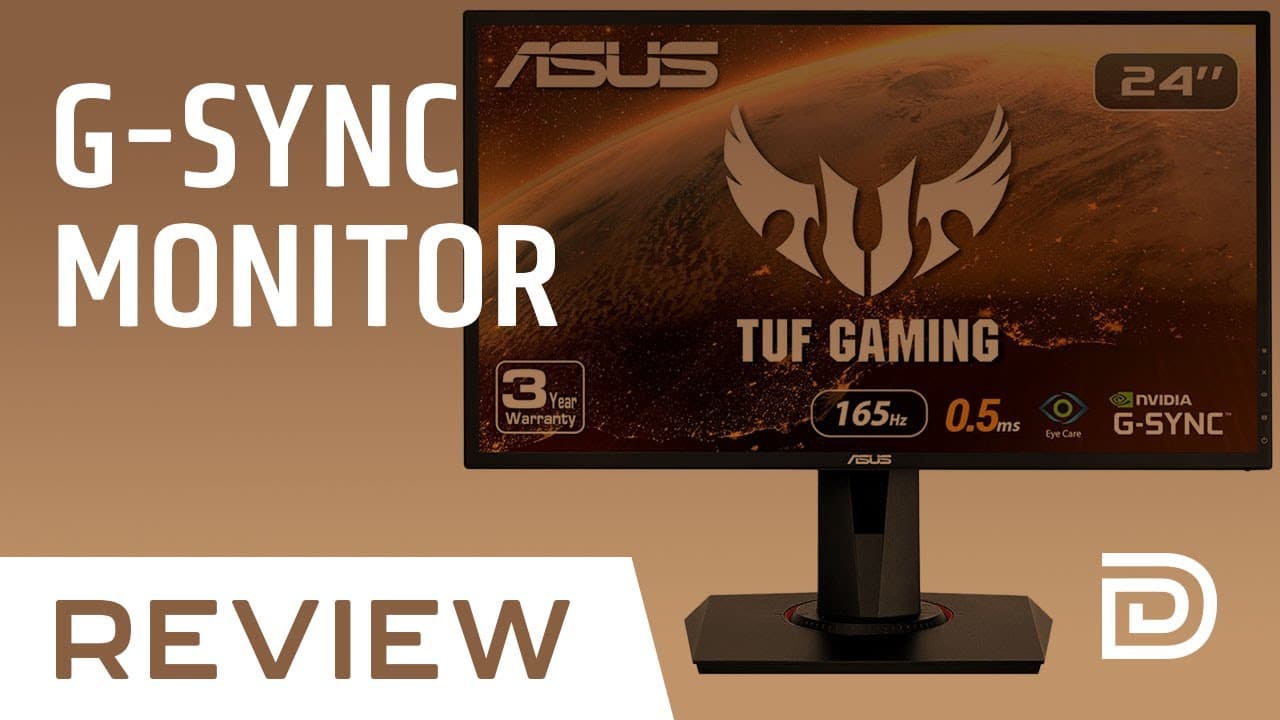
0.5ms is incredibly quick.
The TN panel may not have the best colors, but the speed is unmatched. Essential for competitive FPS players.
- NPRO
Smooth variable refresh rate.
No screen tearing at all with the RTX card. The G-Sync compatibility works flawlessly.
- CPRO
Feels premium and sturdy.
The stand is rock reliable and the panel has no wobble. Very well built for the price.
Cons
- CCON
Color accuracy is okay.
Fine for gaming, but Could not recommend it for photo editing or design work.
- PCON
Colors shift at angles.
If users are not sitting directly in front, colors wash out a bit. Standard TN panel limitation.
Frequently Asked Questions
Yes, most gamers notice a significant difference when upgrading from 60Hz to 144Hz. The improvement is most apparent in fast-paced games like first-person shooters, where smoother motion, reduced motion blur, and more responsive gameplay become immediately noticeable. Even casual users often find the overall desktop experience feels more fluid.
G-Sync is NVIDIA proprietary technology that requires a dedicated hardware module in the monitor, while FreeSync is AMD open standard that any manufacturer can implement. Both technologies eliminate screen tearing by synchronizing the monitor refresh rate with your graphics card frame rate. Many modern monitors now support both FreeSync and are G-Sync Compatible, giving you flexibility regardless of your GPU brand.
Each panel type has its strengths. IPS panels offer the best color accuracy and viewing angles, making them ideal for gamers who also do creative work. VA panels provide superior contrast ratios and deeper blacks, great for immersive single-player games. TN panels have the fastest response times but sacrifice color quality and viewing angles. For most gamers, IPS is the best all-around choice, while competitive esports players might prefer TN for maximum speed.
It depends on your GPU power and preferences. 1080p at 144Hz is easier to achieve and works great on 24-inch monitors, requiring less powerful graphics cards. 1440p offers significantly sharper visuals and more screen real estate, ideal for 27-inch monitors, but requires a more capable GPU to maintain high frame rates. If you have a mid-range GPU, 1080p 144Hz is perfect. With a high-end GPU, 1440p 144Hz provides a more immersive experience.
Response time affects motion clarity, with lower being better. A 1ms response time means pixels can change color quickly, reducing ghosting and motion blur during fast movement. For competitive gaming, faster response times provide a cleaner image during quick actions. However, the difference between 1ms and 4ms is subtle for most gamers. Focus on finding a monitor with good overall motion handling rather than just the advertised response time, as real-world performance varies.